AiTiktok Studio · Video creation
AI Character Swap: Replace a Person in a Video
Put your own character into a real video. Upload one picture of the character and one video between 2 and 60 seconds, then write one sentence. Character Swap replaces the person in the video and keeps the scene, the camera and the movement, so the result looks like the original clip with a new performer.
Try Character Swap in AiTiktok Studio
Part of the Studio plan. New members get 7 days free.
See a Character Swap
All three come from AiTiktok Studio: the source video, the character picture and the result. The people are not real. Press play on the videos to compare them.
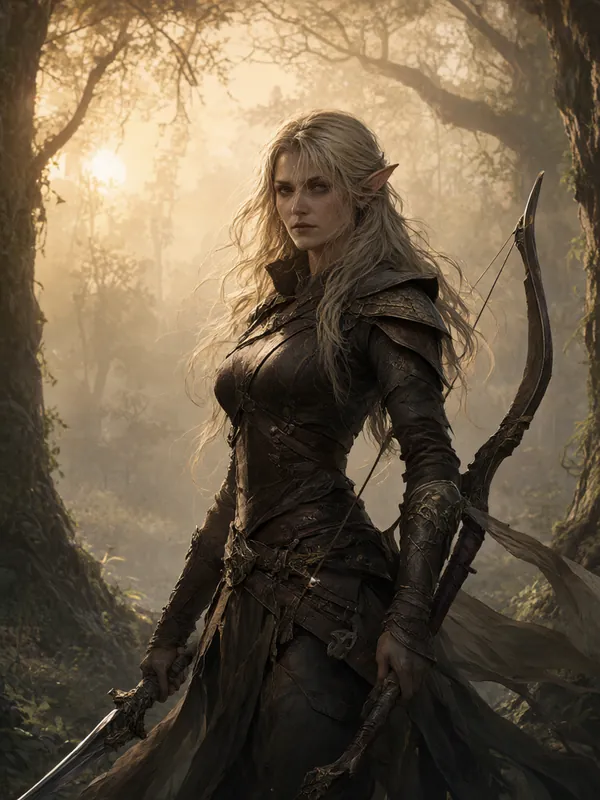
What Character Swap does
Character Swap takes the person who is already in a video and replaces them with the character in your picture. Unlike text-to-video, it starts from real motion and a real place, so dances, walks, gestures and camera moves stay as they were. Your sentence says who to replace and what to keep, for example: “Replace the dancer with the character in my picture; keep the room, the camera and the dance.”
The character can be a photo of yourself, a picture you made with the AI image generator, or an original character you drew. One clear picture with the face and the outfit visible gives the most recognisable result.
How to use Character Swap
- Open the Studio and choose video. Character Swap is one of the video options in AiTiktok Studio.
- Add your character picture. One picture that shows the person or character you want to see in the video. Use a picture you have the right to use.
- Add the source video. One video between 2 and 60 seconds, with one main person.
- Write one sentence. Say who to replace and what to keep, then create the video.
- Watch and download. The finished video appears in your account history, ready to post on TikTok and other short-video apps.
Tips for the best result
Pick a source video where the person stays visible most of the time and the camera does not jump between different people. A steady shot with a clear body outline carries the movement best. For the character picture, avoid heavy filters and dark shadows over the face. Busy crowds, people hidden behind objects and very small faces are harder to replace well.
Keep the sentence short and focused on the replacement. If the first result is close but not right, change one thing, such as a clearer character picture or a shorter clip, and create again.
What people make with it
A recurring character for a TikTok series, filmed once and recast many times. Yourself in a dance or a trend you could not film. Concept tests for a campaign before a real shoot. An original character dropped into footage you filmed yourself. Use footage you have the right to use, and check the rights to the source video, the music and the character picture before you post.
Character Swap FAQs
What do I need for Character Swap?
One picture of the character, one video between 2 and 60 seconds, and one sentence that says who to replace.
Is Character Swap free?
Character Swap is part of the Studio plan and also works with credits. New members get 7 days free. Making pictures stays free for signed-in accounts.
Does the scene stay the same?
Yes. The scene, the camera and the movement come from your source video. The person is redrawn, so small details can change; watch the result before you post it.
Can I use a photo of myself?
Yes. A clear, well-lit photo of yourself works well as the character picture.
How long can the source video be?
From 2 to 60 seconds.
Where do I find my videos?
Every finished video is saved in your account history, where you can watch it again and download it.
Related tools
Make a character picture with the AI image generator, change its outfit or pose with the AI photo editor and the AI pose changer, or bring a picture to life with image to video. For videos made from words, see the AI video generator.