AiTiktok Studio · Free AI pictures
Free AI Image Generator from Text
Write what you want to see and get an AI picture in seconds. It is free for signed-in accounts and needs no card. Make square, portrait or landscape pictures, then download them or change them with one sentence.
Free · No card needed
Create a free picture See how it works
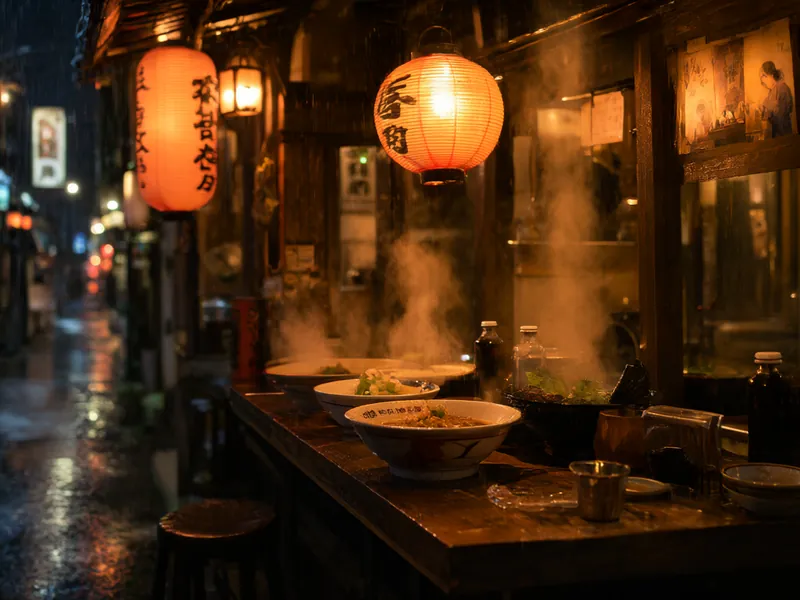
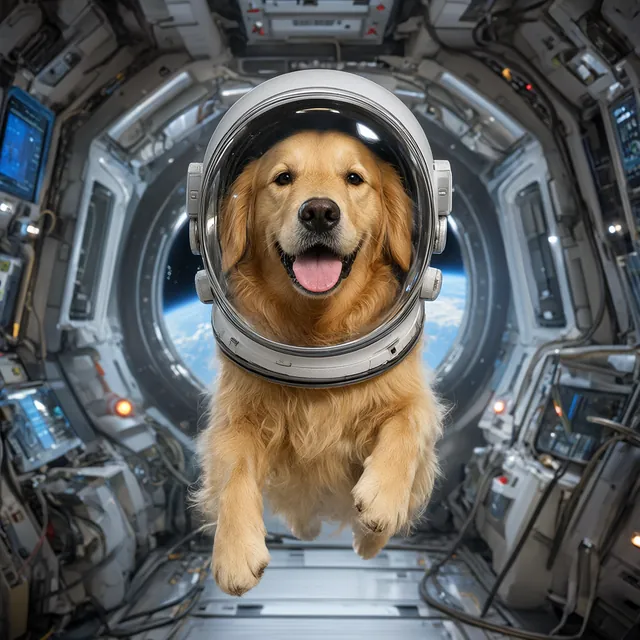
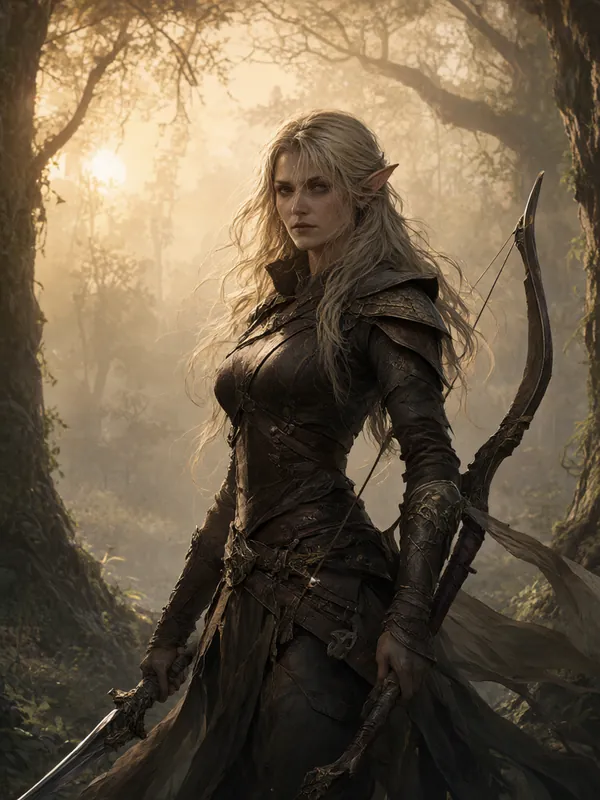
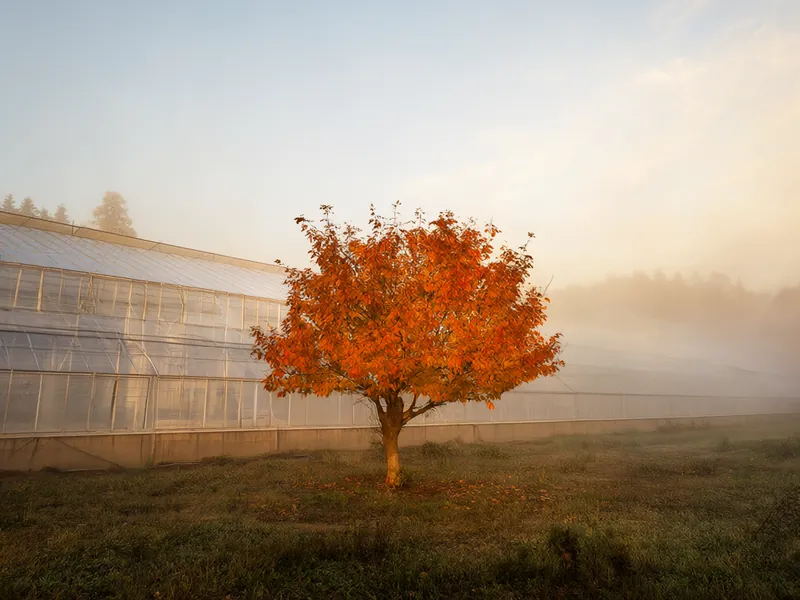
Pictures made with AiTiktok Studio
Each of these pictures was made from one sentence with the Quality engine.
What you can make
A picture from a sentence
Describe the subject, the place, the light and the style. The Studio draws it in the format you choose.
A change to a picture
Upload a photo and write what to change: clothes, objects, colours or background. See the AI photo editor.
A new pose
Pick a pose from the pose list or describe it, and the person is redrawn in that pose. See the AI pose changer.
A transparent picture
Remove the background from a picture, or create a new picture on a transparent background. See the background remover.
Instant pictures
The Turbo engine makes a picture in about ten seconds, ideal for trying ideas. See the fast AI image generator.
A video from your picture
Turn any picture into a short vertical video with sound. See image to video.
How it works
- Sign in. A free account keeps your pictures private in your own history. No card is needed.
- Write a prompt and choose the format. Square for a post, portrait for a phone screen, landscape for a banner.
- Create. The picture appears in seconds in your history.
- Download or keep going. Change a detail with one sentence, remove the background, or turn it into a video.
Write prompts that make clear pictures
Begin with the subject, then add only the details that shape the picture: where it sits in the frame, the place, the light, the colours and the style. “A glass greenhouse at dawn, a single orange tree in the center, soft mist, wide landscape composition” gives the generator more to work with than a list of loose adjectives.
For people, say how they stand and how close the camera is; for a product, describe the surface, the angle and the background. Keep text inside a picture short, because lettering is not always exact. When the first result is close, keep what works and change one detail at a time.
Free pictures, and more with the Studio plan
Making pictures is free for signed-in accounts. The Studio plan adds unlimited videos, Character Swap and extra engines; new members get 7 days free, then $19.50 for the first month. Credits are also available if you prefer to pay per video.
Questions and answers
Is the AI image generator free?
Yes. Making pictures is free for signed-in accounts, and no card is needed.
Do I need to install an app?
No. The Studio runs in the browser on a phone or a computer.
What picture sizes can I make?
Square, portrait and landscape. The Studio shows the current choices before you create.
Can I change the picture afterwards?
Yes. Open it in Edit mode and write what to change in one sentence.
Can I remove the background?
Yes. Use Remove Background for a picture you have, or Transparent for a new picture.
Are my pictures private?
They are kept in your own account history. See the privacy policy.
Create your first picture
Sign in, write one sentence and see your picture in seconds. Free, with no card needed.
Related tools: AI photo editor, AI pose changer, background remover, fast image generator and the AI video generator for TikTok.